

Seeview shows the content you already manage on reception and bar displays, in-room TVs through an Android TV app and touchscreen kiosks, so guests see up-to-date information wherever they look.
Seeview is the Holidaymaker software that puts your content on screens: reception and bar displays, the TV in a guest’s room, and touchscreen kiosks. It helps any venue that wants guests to see what is on, what is available and what to do next without having to ask.
Update an event, offer or message once in your Holidaymaker CMS and it can appear in the app and on your screens. Dynamic slides can show events and, where you sell them, homes for sale, and you can add your own messages, menus and offers.
Displays at reception, the bar or the cafe can show what is on, menus, messages and offers. Seeview works in landscape and portrait and has no restriction on resolution, so it can fit the screens you have.
An Android TV app puts your information on the guest’s own screen, alongside the streaming apps they already use. It can be built for Android TV, Google TV and Amazon Fire TV, and the TV can prompt guests to book activities on their own device.
Kiosks give guests easy information at the busy parts of your site. The Help Centre covers pinning the app and other kiosk hardware questions.
Seeview has a test page that checks whether an internet-enabled display or TV can run it, so you can try the screens you already own first.

Photo by Junaid Rahim on Unsplash.

What to put on screens at reception, in the bar and in the lodge, what hardware you need, and how Seeview runs displays, TV apps and kiosks from one CMS.
Read more

See how Seeview turns the TVs, kiosks and displays at your venue into smart signage guests can use, so your team repeats less and every guest sees the same offers.
Read more
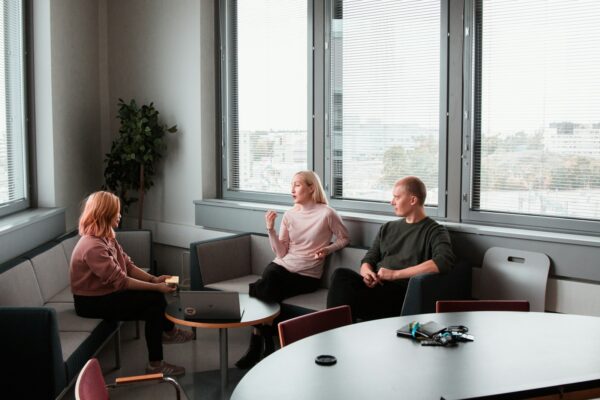
Guests expect the same answer on your app, screens and noticeboard. See how a connected guest experience works, what guests notice and how one source keeps every touchpoint consistent.
Read more
Questions about any of this? Email us and we will help. You can also phone 01305 542075 or write to hello@holidaymakerapp.co.uk.
Not ready to get in touch? Our next XP event is on 13 October 2026. See the events page.
Explore the rest: Guest app · Seeview screens · HeyGuest AI chat · Direct bookings · Guest intelligence and the platform · Integrations and partners