

What to put on screens at reception, in the bar and in the lodge, what hardware you need, and how Seeview runs displays, TV apps and kiosks from one CMS.
Updated 4 October 2026
On this page
Every guest walks past your screens. Too often they show a static slideshow or a generic loop that does little for guest clarity or on-site spend, and your team ends up repeating the same answers at the desk.
Smart surfaces change that. Displays, TV apps and kiosks all run from the same Holidaymaker CMS, so what guests see is on brand, up to date and easy for your team to change. This guide covers what to put on each screen and what you need to make it work.
Seeview is the screen side of Holidaymaker. It covers three surfaces, all managed from one place:
You update once and publish everywhere, with scheduling and day-parting so the right content shows at the right time. It sits alongside your guest app, so a screen can carry the same events and offers guests see on their phone.

Show arrival information, today’s events, opening times and how to get help. If your team is asked the same three questions every morning, put those answers on screen.
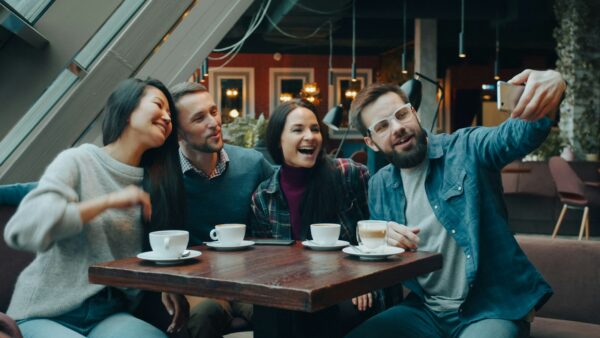
Show tonight’s entertainment, menus and opening hours. Add a QR code that links to the booking page or the event listing in the app.
The Android TV app puts your venue alongside the apps guests already use, with branded welcome content and information. It can run on Android TV, Google TV and Amazon Fire TV, and guests can complete tasks, such as booking an on-park activity, on their own device, prompted by the TV.
A touchscreen kiosk lets guests browse what is on and find information without queuing, in a branded layout that matches your app.
Events and holiday homes for sale can appear as dynamic slides, drawn from the records you already keep in your CMS, so you are not creating the same slide twice.
Holidaymaker provides the software. You choose the hardware, and we guide you on requirements.
The Help Centre has the detail: the TV and display requirements, the Android TV in-accommodation app and the kiosk hardware FAQs.
Begin with one surface type, such as the reception display, then add more as you see results. Displays, TVs and kiosks are designed to work together. Seeview screens, TV and kiosks are part of our growth tools.
For more on how screens fit into the wider guest journey, read our guides to Seeview digital signage and Direct to Guest marketing.
Related: Seeview is the page on displays, TV apps and kiosks.


See how Seeview turns the TVs, kiosks and displays at your venue into smart signage guests can use, so your team repeats less and every guest sees the same offers.
Read more
Direct to Guest (D2G) marketing means using your own channels, the app, screens, website and staff, to look after guests before, during and after their stay.
Read more
Direct to guest marketing means talking to your guests through your own tools, without relying on OTAs or booking engines. See what it includes and why it matters on site.
Read more