
When using the holidaymaker app surfaces you would need to create both an Apple App Store Developer account, and a Google Play Store Developer account. You also need a Google Firebase account which is used for push notifications and usage analytics.
Apple have a step by step guide on how to register a developer account. This can be found here : https://developer.apple.com/programs/enroll/
Please note: When enrolling as an Apple Developer Program member, you are given options to enroll as an individual or enroll your organisation. It is vital that you enroll your organisation and not as an individual.
Once you have your developer account setup you can add the holidaymaker developers, and implementations team to create your app records, and the various certificates and app IDs etc. To do this you need to add one of our emails addresses as a high level admin : developers@holidaymakerapp.co.uk
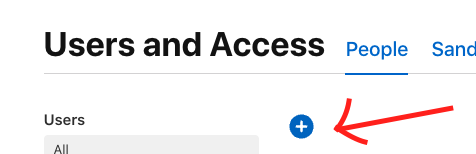
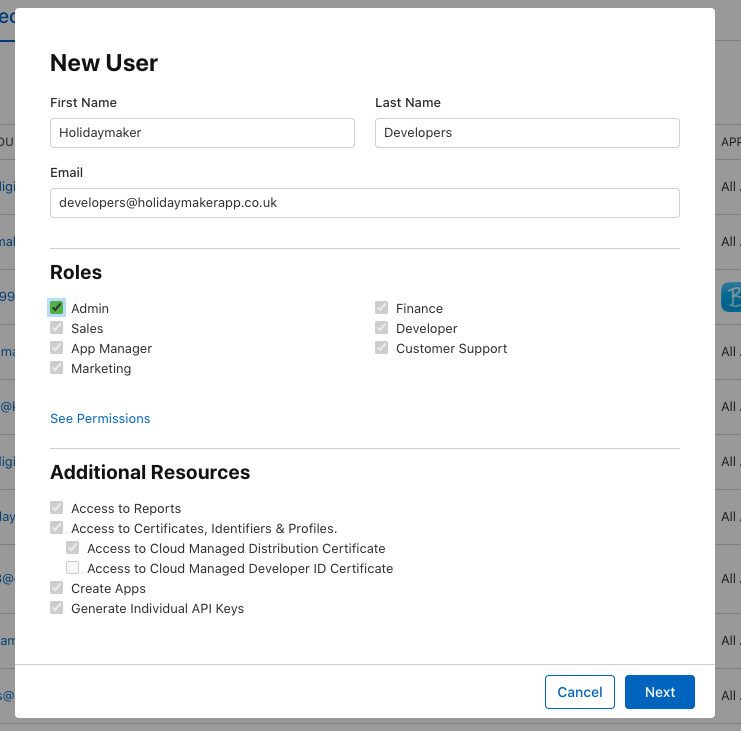
The new user add form will look like this - click on 'Admin' under roles to allow us access to build, and maintain the app records
The final step is to request access to be able to set up API Keys within your Apple Developer Account. We required an App Store Connect API key to be able to download the lates app versions in our CRM, but also download nightly reports for your app downloads for your app stats reporting.
To request access to the API you must first do this:
Once you have access to the app store API you are able to create us a key/certificate for us to use for these automations. You may also have use for these yourself in your own CRMs or other integrations to access app downloads and metrics.
Note: If you gave us admin access to your App Store connect account and you have completed the above steps then we are able to complete the rest. If not following the next steps.
We require four things during the API creation process. The key certificate (often a .p8 file), the key ID, the issuer ID, and your vendor ID.
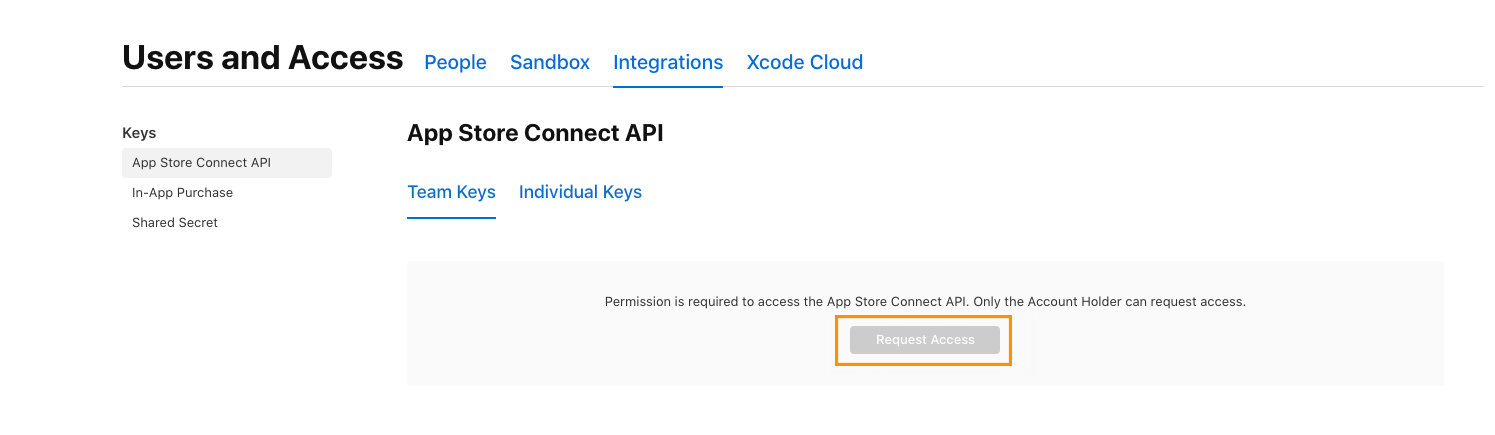
This is what the API Key area will look like to anyone who is not the account holder
Google have a step by step guide on how to register a developer account. This can be found here: https://support.google.com/googleplay/android-developer/answer/6112435?hl=en
Once you have your developer account setup you can add the holidaymaker developers, and implementations team to create your app records, and create the various certificates and app IDs etc. To do this you need to add one of our emails addresses as a high level admin : developers@holidaymakerapp.co.uk
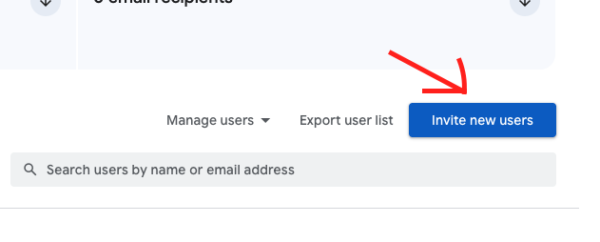
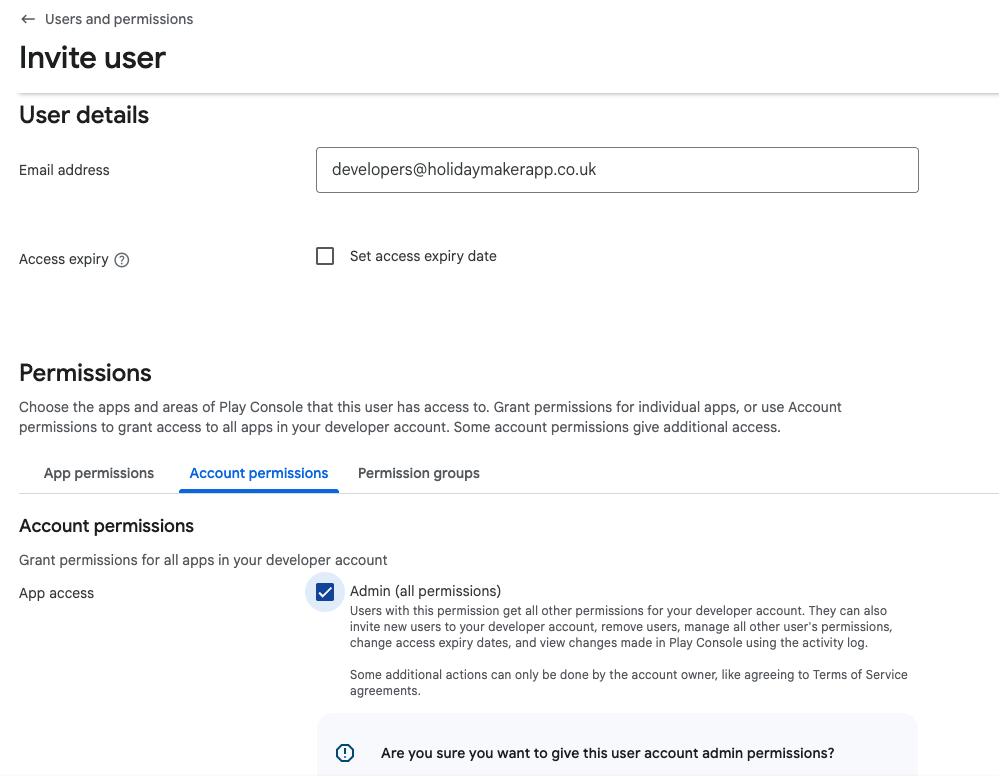
The new user add form will look like this - click on 'Admin' under the 'Account permissions' tab to allow us access to build, and maintain the app records
The apps require a Google Firebase account and project. This is the system which is used for push notifications on both Android and iOS as well as giving us usage stats of users, and developer information like crash reports etc.
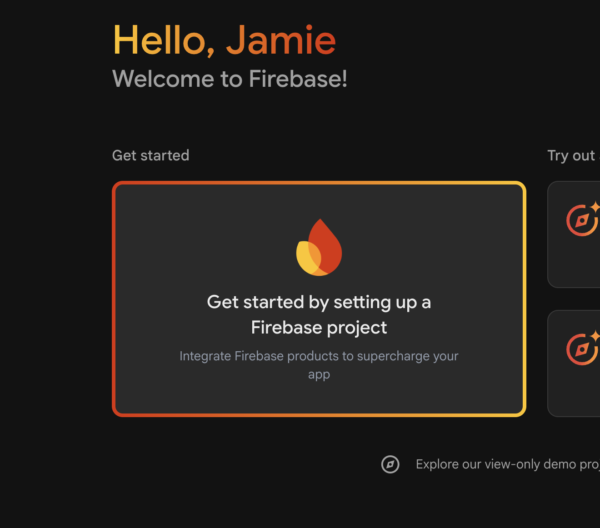
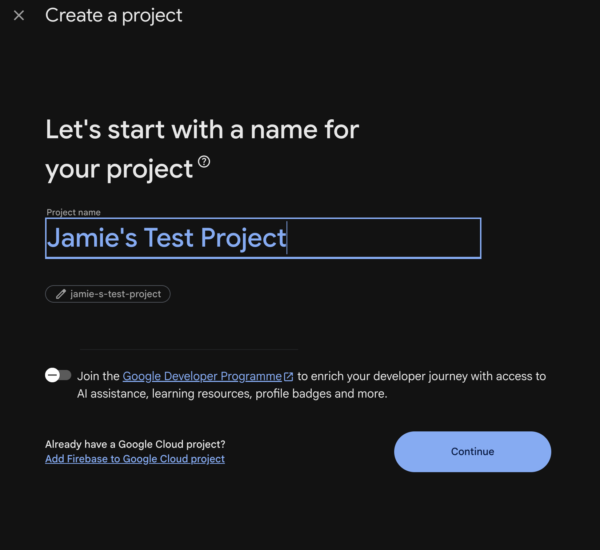
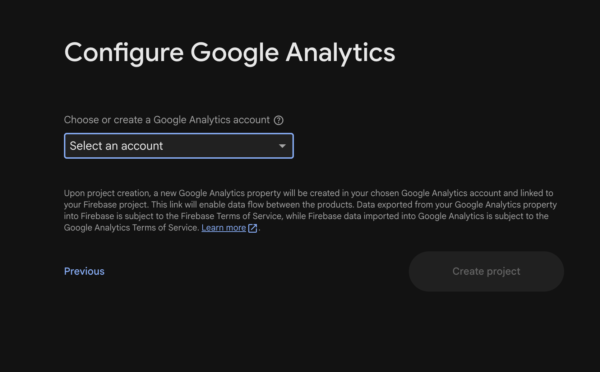
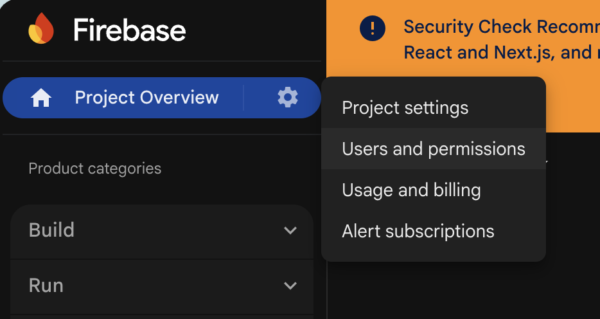
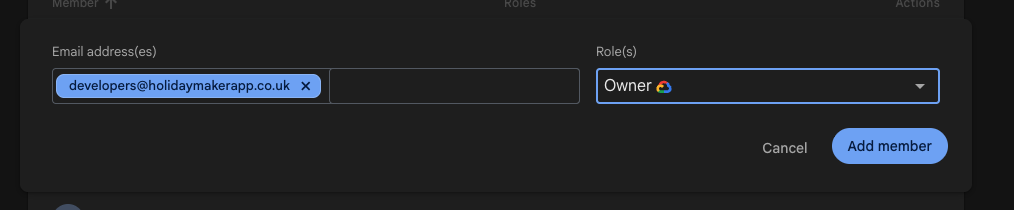
Add member form on Google Firebase